
For small accounting firms
Accounting workflow software for small firms
One client still owes you documents. Another job is ready for review. A third is waiting for a signature. See which person needs to act next.
Simple Workflow keeps each client job with its owner, process steps, and updates. Review work from your laptop and let your team update progress from mobile.
Create your first workflow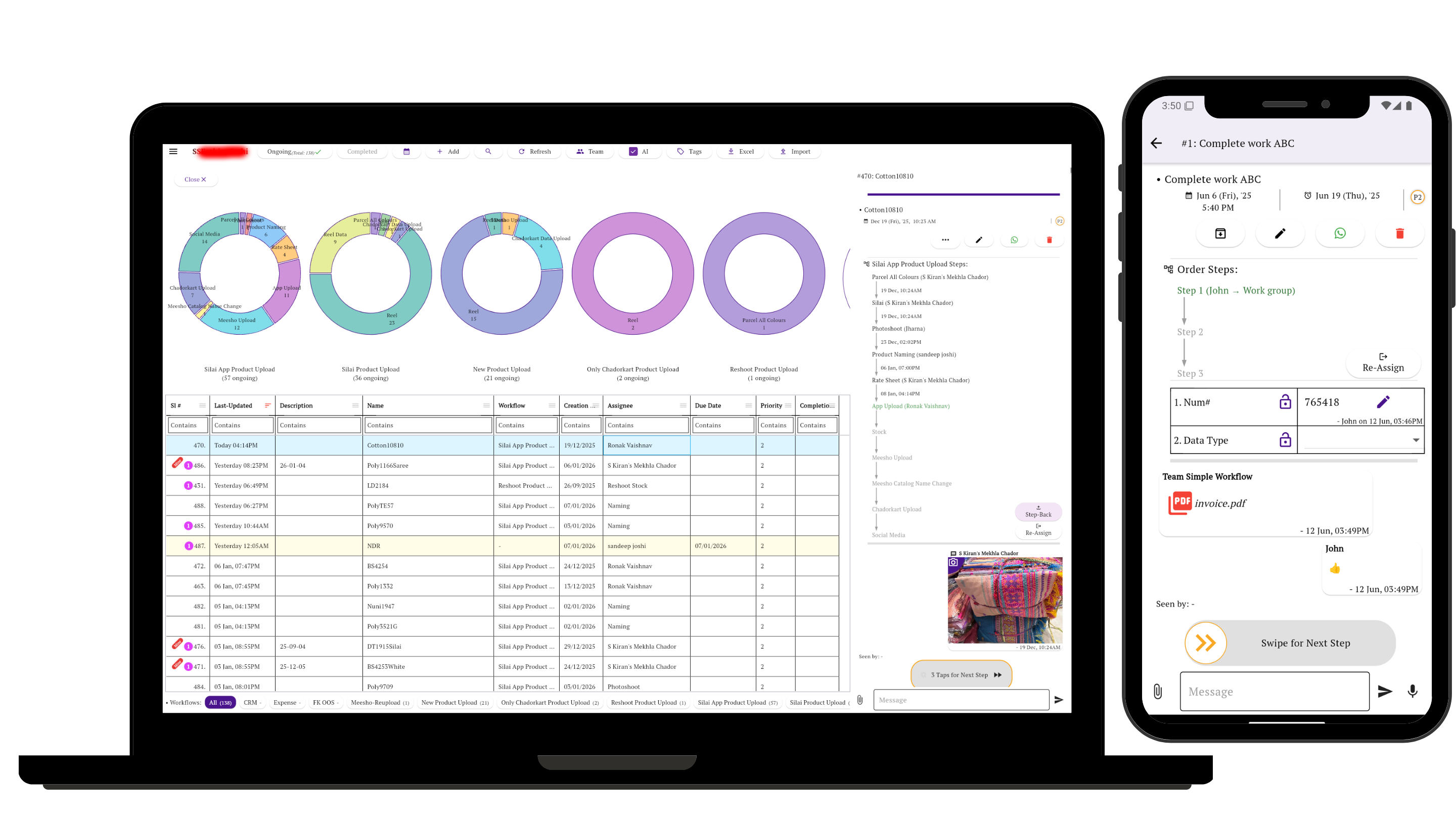
“In progress” doesn't tell you what's missing
Preparing a return and waiting for a client reply need different follow-ups. Give document collection, review, and client approval their own steps, so unfinished work has a clear next action.
Accounting teams using Simple Workflow already track these handoffs: documents received, work prepared, verification, questions sent, and client replies. Some use just two steps: do the work, then verify it.
Two workflows you can start with
Tax preparation
Documents needed → Preparation → Review → Client approval → Filed
Keep missing items and reviewer questions with the job. Mark it filed after submission through your tax software.
Monthly bookkeeping
Records needed → Bookkeeping → Review → Questions resolved → Delivered
Create a separate job for each client and month. Rename or add steps to match how your firm works.
Make each job easy to pick up
- Name the client, service, and period. For example: “Maple Street Cafe — August bookkeeping.”
- Assign the next action. Make it clear who prepares the work and who verifies it.
- Keep questions on the task. Record what's missing so the next person has the context.
Before you start
Does this replace our accounting software?
Keep using your existing tools for bookkeeping, calculations, and filing. Simple Workflow tracks the work your team needs to complete around them.
Can we use different steps for different services?
Yes. Set up separate workflows for bookkeeping, tax preparation, audit work, or one-off client requests.