
AI VOICE COMMANDS · SIMPLE WORKFLOW
Talk more.
Type and tap less.
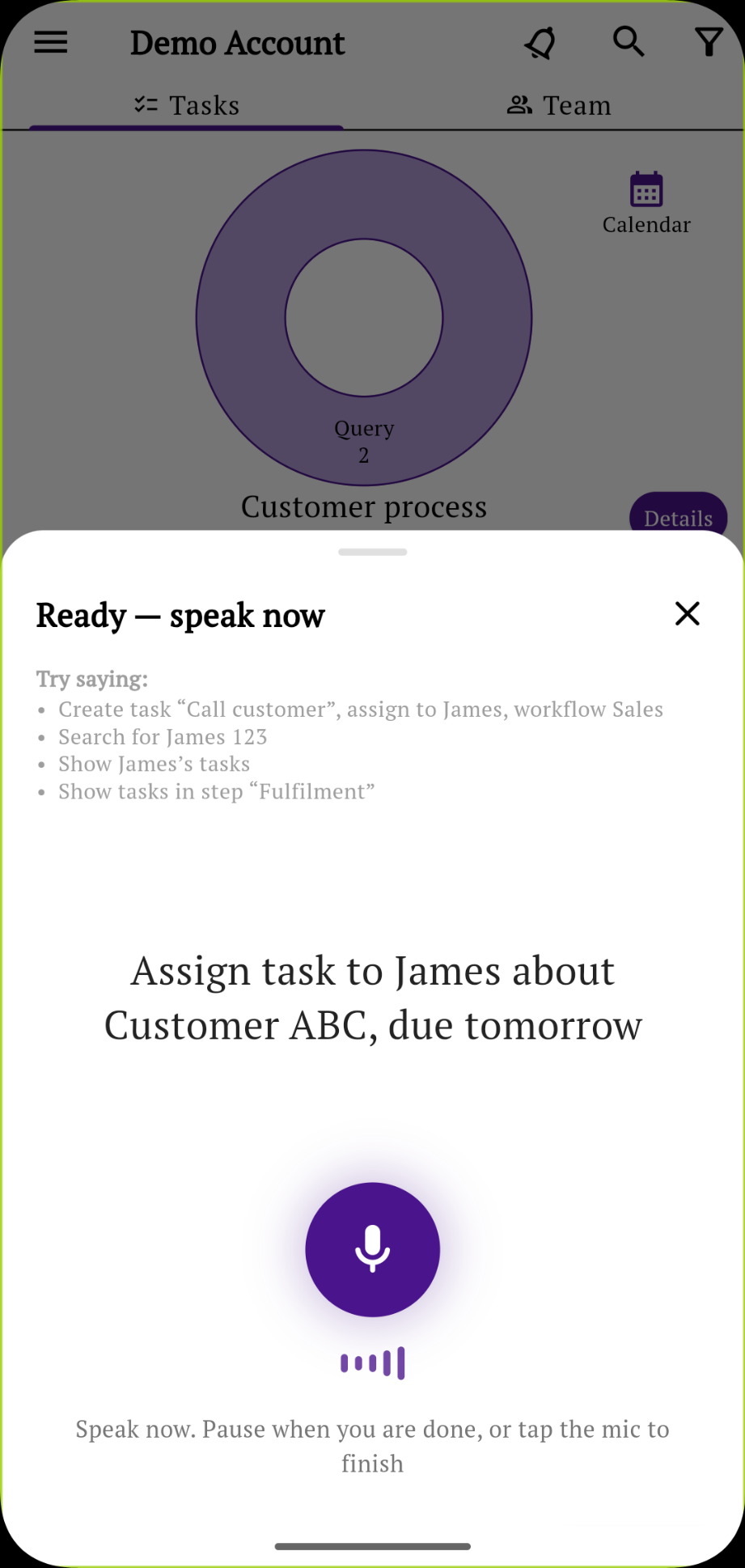
Use AI voice commands to manage your team’s tasks, processes and operations in Simple Workflow. Say what you need instead of typing every detail or finding the right screen.
Less effort between thinking of work and recording it
A customer asks for a follow-up. A job needs an owner. You want to check a team member’s tasks. These are everyday requests you can say in a sentence.
Voice gives your team another way to use the app while keeping work in the same place. It is especially useful when typing on a small screen feels cumbersome.
AI voice commands for everyday team tasks
Create a task
“Create a task to check our shipping box inventory.”
Describe the work naturally instead of typing out the task.
Give work an owner
“Create a task for James to send a quote to Customer ABC.”
Include the person and the work in the same request.
Find a member’s tasks
“Show me Michael’s tasks.”
Ask for the view you need instead of navigating through screens.
Tap. Speak. Review.
Open the assistant
Tap the AI button and use the microphone to start your request.
Say what you need
Describe the task or ask to see a team member’s work.
Check and continue
Review the prepared details or the page opened by the assistant, then continue in the app.
VOICE COMMANDS WITHIN A TASK
Talk to the task you’re working on
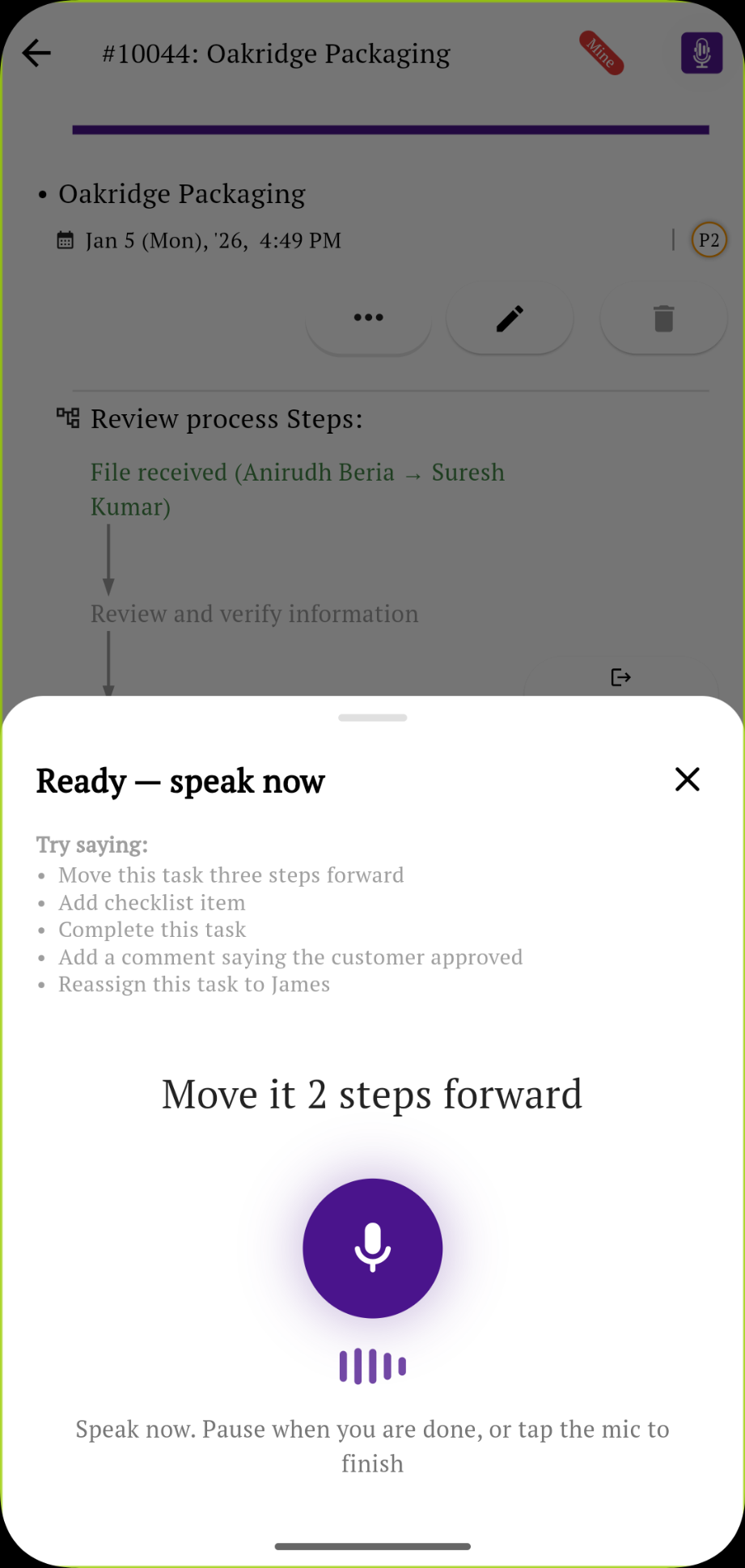
Open the AI assistant from a task and ask for the next action. Move work through its process, add a comment or reassign it to someone on your team.
“Move it two steps forward.”
Your team can still track owners, follow process steps and review progress together. Learn how workflow stages and approvals keep operational work moving.
Questions about using voice
What can I say to Simple Workflow?
Start with an everyday request such as “Create a task to check our shipping box inventory,” “Create a task for James to send a quote to Customer ABC,” or “Show me Michael’s tasks.”
Does voice only turn my speech into text?
The AI assistant uses your request to prepare task details or open a relevant page in Simple Workflow. You can review the result and continue in the app.
Can my team still type and tap?
Yes. Voice is an additional way to use Simple Workflow. Your team can continue using the usual screens whenever that is more convenient.
Start with one thing you would usually type
Open the assistant and say your next task out loud.