
For project and site teams
Construction workflow software for contractors, architects and interior teams
Keep drawings, approvals, materials, site progress, inspections and handover moving through one visible process.
Simple Workflow helps small construction, architecture, interior, furniture and landscaping teams coordinate work that continues for days or weeks across the office, factory and site.
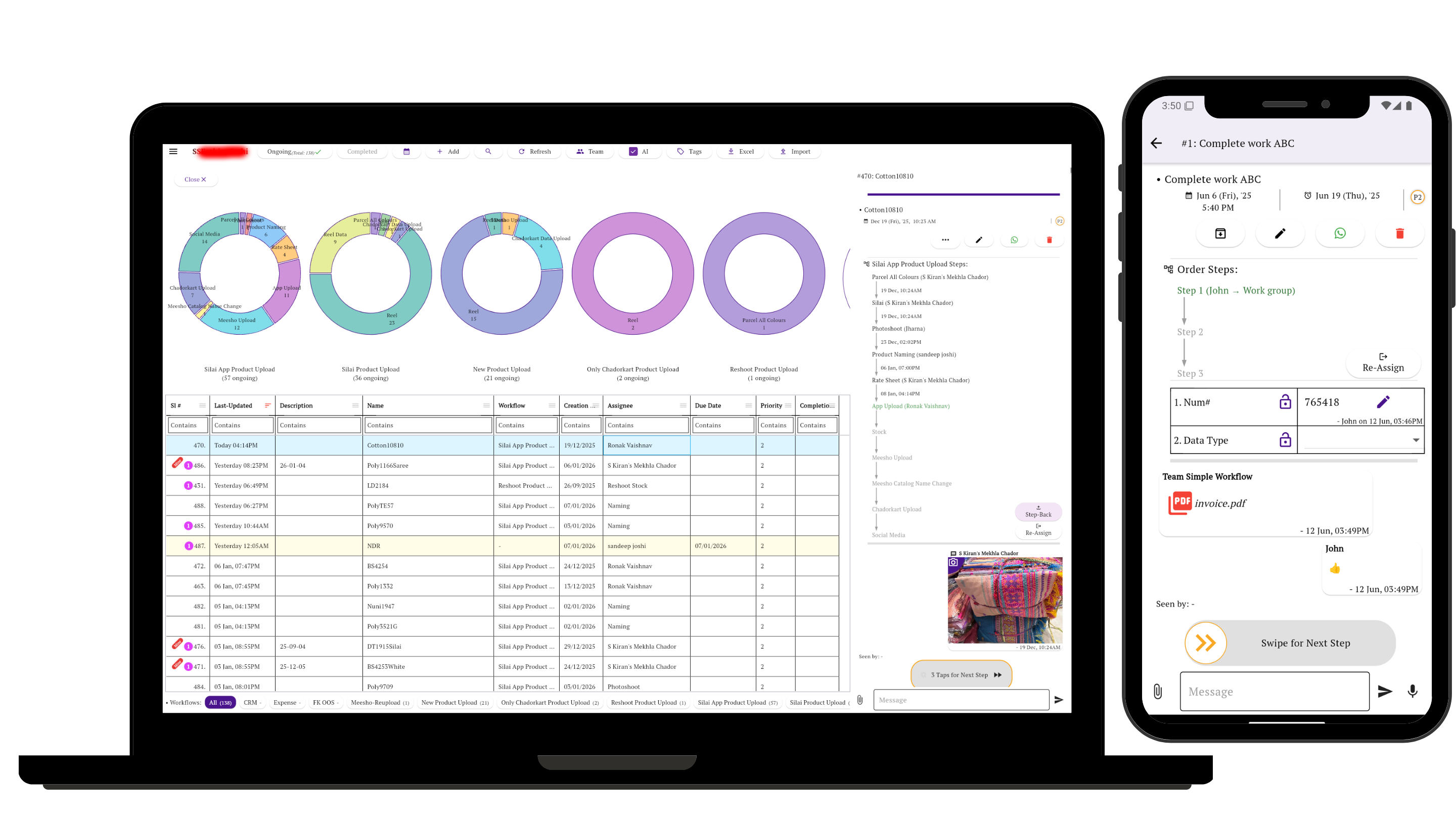
The coordination problem
A project moves forward, but its decisions become scattered
A drawing is shared in one chat, an approval arrives by phone, material status sits with purchasing, and site photographs stay on another person’s device. The team can be busy while nobody has the complete current picture.
Each project or work item needs to retain its owner, current stage, photographs, files, forms, comments and history as responsibility passes between people.
Observed in customer workflows
Six patterns across design, production and site work
These are anonymized, simplified patterns found in subscribed accounts. The suggested setup under each pattern is guidance for using Simple Workflow, not a claim that every customer uses that configuration.
Observed pattern 1
Survey, scope and commercial approval
Site brief or measurement → Requirements → Estimate or RFQ → Client approval and advance → Execution plan
Suggested setup: Keep measurements, site photos, estimate and approval with one project task. Assign planning only after the scope is accepted.
Observed pattern 2
Drawing and design approval
Brief → Concept or detailed design → 3D / working drawing → Internal review → Client approval → Factory or site handoff
Suggested setup: Attach the current drawing version and record comments at the review stage. Make approval a visible gate before execution.
Observed pattern 3
Materials to site
Requirement confirmed → Purchase approval → Order placed → Expected delivery recorded → Delivered to site → Quantity or quality verified
Suggested setup: Assign purchasing, attach the approved requirement or quote, and transfer ownership to the site receiver for verification. Keep inventory balances in the inventory system.
Execution and completion
Make site evidence and closeout part of the route
Observed pattern 4
Site work, inspection and correction
Work planned → Execution → Inspection note or PDI → Correction if needed → Verified
Suggested setup: Use a short form for the inspection note and attach progress and completion photographs before moving the work forward.
Observed pattern 6
Final inspection and handover
Final inspection → Outstanding items cleared → Documents prepared → Customer handover → Warranty or completion record
Suggested setup: Keep the final checklist, signed documents and handover comments on the project record before closing it.
Observed pattern 5
Custom furniture from order to installation
Order and specification → Materials → Frame, cutting or upholstery → Assembly → Quality check → Finished photos → Client clearance → Dispatch and installation
Observed furniture workflows included detailed checks for measurements, stitching, fittings, finish, packing and delivery evidence.
Suggested setup: Put the production checklist in a form, attach final photos, and require quality and client clearance before dispatch.
Using Simple Workflow
One record follows the work across every handoff
Stages and approvals
Show whether work is being designed, reviewed, purchased, executed, inspected or handed over.
Owners and comments
Give the next action to a named person and keep decisions with the work rather than in separate calls.
Files, forms and photos
Retain drawings, requirements, checklists, site evidence and handover documents in context.
History
Review updates and stage changes when a project pauses, returns for correction or changes hands.
Different routes
Use separate workflows when design, site execution and furniture production genuinely need different stages.
Clear next work
Let each person see what they own now instead of rebuilding status from messages.
See how workflow steps, ownership and approvals work together.
Clear product scope
What it does not replace
Simple Workflow coordinates people-driven work around a project. It does not replace:
- CAD or BIM software for technical design and models
- Estimating software for detailed costing and BOQs
- Accounting, inventory or payroll systems
- A full construction ERP for contracts, resources and financial control
Keep specialist systems for specialist records; use Simple Workflow for responsibility, approvals, evidence and handoffs.
Start with one active project
Define the stages the team already follows, assign the next owner, and keep the next drawing, approval or site update with the work.
Related guides
Build a workflow your team can keep current
Questions about construction and interior workflows
What can a construction or interior team track in Simple Workflow?
A team can track project work through surveys, drawings, approvals, material handoffs, execution, inspections and handover. Each task can retain its owner, stage, comments, forms, photographs, files and history.
Can architects, office staff, production teams and site teams use the same workflow?
Yes. They can update the same project record as responsibility changes, while separate workflows can be used when design, production and site work need different stages.
Does Simple Workflow replace CAD, BIM, estimating, accounting, inventory, payroll or construction ERP software?
No. Simple Workflow coordinates assignments, approvals, evidence and handoffs. Keep specialist systems for design, costing, stock, finance, payroll and full construction resource planning.