
For installation, service and maintenance teams
Field service workflow software for installation and maintenance teams
Know who is going to the site, what happened there, what proof came back, and what must happen next.
Simple Workflow helps small teams coordinate surveys, installations, complaints and maintenance while technicians work away from the office.
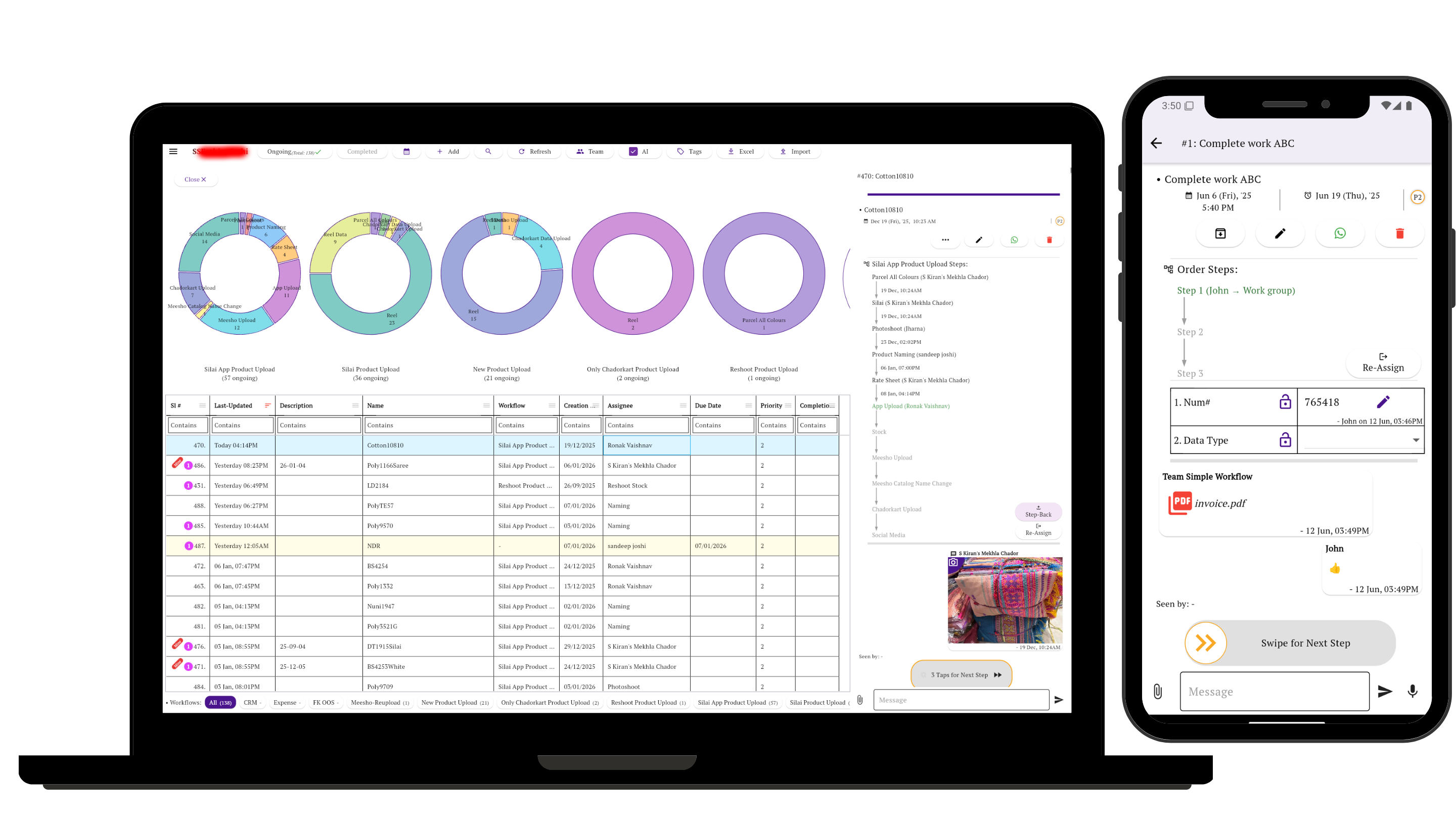
The coordination gap
The office cannot see what happened at the site
A technician may have visited, found a different fault, used a part, spoken to the customer and planned a return. If that update stays in a call or chat, the office still sees only “in progress.”
The useful record includes the owner, visit result, photographs, documents, customer confirmation and next action—including a clear return visit when the work is not finished.
Observed in customer workflows
Five practical patterns from field teams
These patterns are simplified from 23 subscribed-account rows in the field-service category. Identifying details are removed. The suggested setup under each pattern is guidance, not a claim about how every customer configured Simple Workflow.
Observed pattern 1
Enquiry and survey
Enquiry → Site visit or survey → Findings → Quotation or order → Approval
Suggested setup: Keep survey notes, site photographs and the quotation with one task. Assign the next owner when the customer must be followed up.
Observed pattern 2
Prepare and install
Material check → Technician assigned → Structure or wiring → Equipment installed → Testing → Handover
Suggested setup: Use the stages that fit the job. Solar, CCTV, telecom and lift workflows showed different installation steps, but each benefits from explicit ownership and completion proof.
Observed pattern 3
Complaint to customer verification
Complaint or ticket → Engineer assigned → Work completed → Service report → Customer verification → Closed
Suggested setup: Record the fault, action taken and technician report. Close only after verification; create a dated return action if more work is needed.
Observed pattern 4
Maintenance, warranty and repair
Check issue → Confirm warranty or charge → Obtain parts → Service or repair → Verify → Invoice or deliver
Suggested setup: Make parts, customer approval and the follow-up owner visible without turning billing or inventory into workflow stages they do not need to be.
Observed pattern 5
Daily visits with evidence
One observed process combined start-of-day planning with a detailed visit report and an end-of-day update.
- Purpose and previous-visit context
- Site and equipment photographs
- Document and checklist images
- Visit result and work completed
- Customer confirmation
- Next visit, quote or order
Suggested setup: Use a mobile form for consistent visit details, attach the evidence, then assign the resulting action before the report is considered complete.
Using Simple Workflow
Keep the visit and its next action together
Assignment
Give the survey, installation or complaint to a named owner.
Progress
Move the task through meaningful stages instead of relying on a vague status.
Proof and forms
Keep photos, documents, field details, approvals and customer confirmation with the task.
History
Review stage changes and updates when a job is delayed, reopened or handed over.
See how workflow steps, ownership and approvals work together.
Clear product scope
What it does not replace
Simple Workflow coordinates the people-driven work around a field job. It does not replace:
- Specialist field-service billing or estimating
- Inventory and parts management
- Route optimization or live GPS tracking
- An ERP or specialist installation system
Keep those systems for transactions and specialist functions; use Simple Workflow for assignments, handoffs, evidence, approvals and follow-up.
Start with one live site job
Define only the steps your team needs, assign the next person, and require the visit result before work moves forward.
Related guides
Build a workflow your team will use
Questions about Simple Workflow for field teams
What can a field team track in Simple Workflow?
A field team can track surveys, installations, complaints, maintenance visits and follow-up as tasks with stages, owners, updates, files and history.
Can technicians update work from the site?
Yes. Technicians can update tasks from mobile, complete forms, add photographs or documents, and record the visit result for the office.
Does Simple Workflow replace field-service billing, inventory, GPS or ERP software?
No. Simple Workflow tracks the people-driven process: assignments, stages, evidence, approvals and follow-up. Keep specialist systems for billing, stock, routing, live location and ERP transactions.