
For small healthcare operations teams
Healthcare operations workflow software for clear handoffs
Coordinate who must visit, collect, deliver, follow up or confirm completion—without turning an operational task into a clinical record.
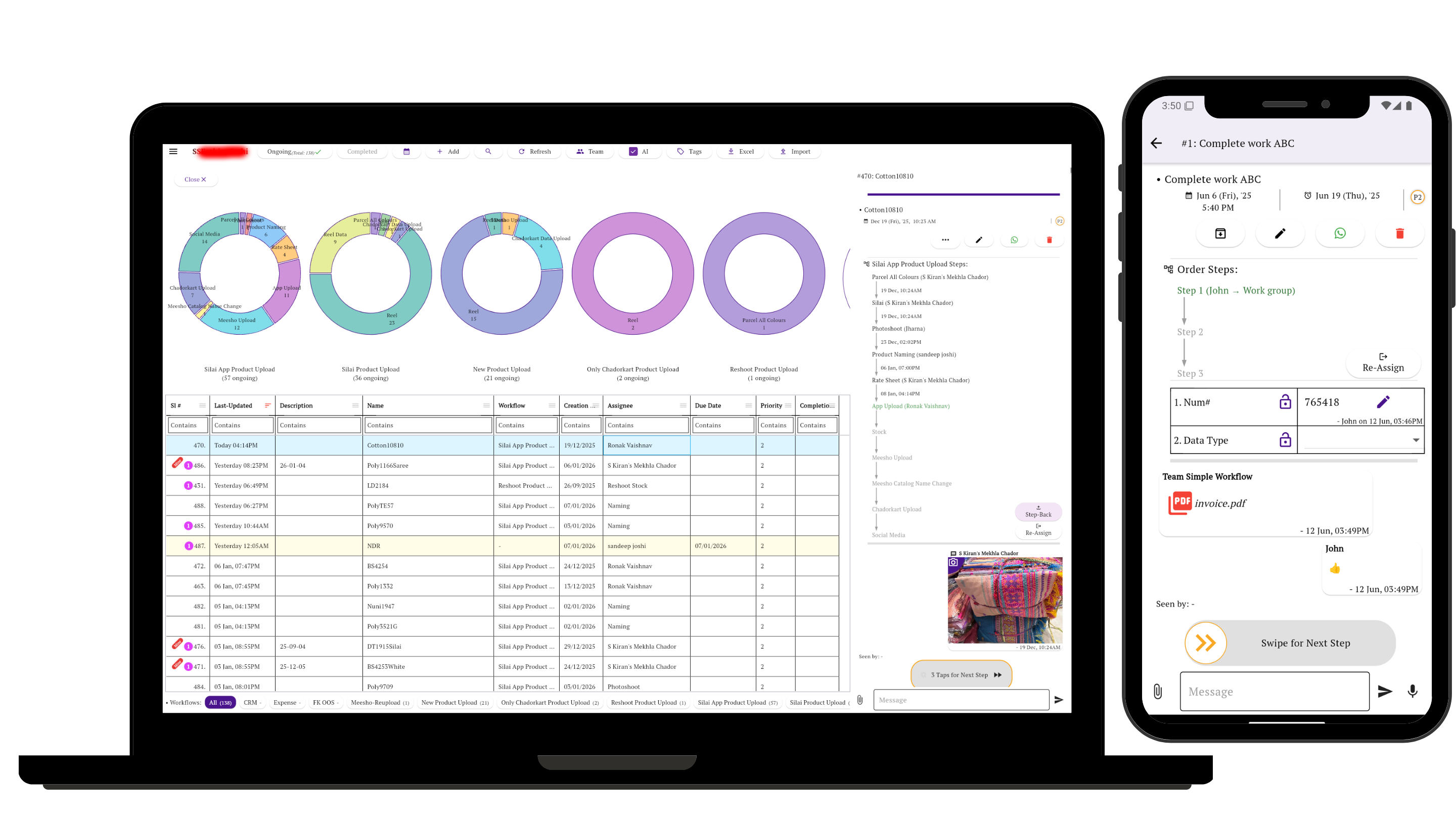
Simple Workflow keeps the owner, next step and operational update together for diagnostic centres, clinics, home healthcare teams and medical-equipment businesses.
The handoff problem
“Someone is handling it” is not an operational status
A collection request can wait for assignment. A daily service visit can happen without an update. A fitted device can be due for removal while the office assumes the job is complete.
A useful workflow shows the next action, its owner, what happened during the visit and what still needs confirmation.
Anonymized customer evidence
Five recurring coordination patterns
Observed signals below come from recent tasks or configured workflows. The routes are suggested Simple Workflow setups, generalized to remove identifying and clinical details.
Observed: repeated sample-collection tasks
Collection to laboratory handoff
Request → Assign collector → Collection update → Laboratory handoff → Complete
Suggested setup: Record the time window, owner, collection status and handoff confirmation using a neutral reference.
Observed: recurring daily service lists
Plan and close daily visits
Daily service list → Assign team member → Visit update → Follow-up if needed → Complete
Suggested setup: Give each visit its own owner and result instead of treating the entire list as one status.
Observed: device deployment and removal stages
Track a diagnostic device handoff
Fitting confirmed → Removal scheduled → Device removed → Device received → Operational confirmation
Suggested setup: Coordinate the physical device and appointment handoff only; keep readings and reports in the relevant diagnostic system.
Observed: quotations, follow-up and purchase activity
Move an equipment enquiry forward
Enquiry → Requirements captured → Quotation sent → Follow-up → Order confirmed
Suggested setup: Attach the quotation, assign the follow-up and make the next commercial action visible.
Observed: equipment service calls, verification and completion
Close a service request with evidence
Service request → Technician assigned → Visit update → Service report → Customer verification → Complete
Suggested setup: Use an operational form for the equipment issue, work performed, photographs or documents and required return visit. Keep billing in the billing system.
One operational task
Keep ownership, visits and completion together
Create a task for each request or job, then move it through the steps your team actually uses. Assignments, forms, photographs, documents, comments and status history stay attached to that task.
Data boundary: store only the minimum operational information your team has approved for this tool. Do not attach patient names, medical details, test results or clinical records.
Clear product boundary
Operations coordination, not clinical software
Simple Workflow does not replace:
- EHR or EMR
- Laboratory information system
- Appointment system
- Medical billing system
- PACS
- Clinical decision tool
- Regulated patient-record platform
Use specialist systems for patient records, diagnosis, treatment, images, results and regulated clinical work. Use Simple Workflow only for the non-clinical assignments and handoffs around the job.
Start with one operational handoff
Choose a repeated collection, visit, device handoff, enquiry or service call. Name the next owner and define what confirms completion.
Questions about healthcare operations workflows
What healthcare work can Simple Workflow coordinate?
It can coordinate non-clinical operational work such as collection assignments, service visits, device handoffs, equipment enquiries, technician follow-up and completion confirmation.
Should we store patient records or test results in Simple Workflow?
No. Keep patient identity, medical details, test results, images and clinical documents in the appropriate specialist system. Use a neutral reference and only the minimum approved operational information in Simple Workflow.
Does Simple Workflow replace our clinical or practice systems?
No. It does not replace an EHR or EMR, laboratory information system, appointment system, medical billing system, PACS, clinical decision software or regulated patient-record platform.