
For production and fabrication teams
Manufacturing workflow software for production and fabrication teams
See what every work order is waiting for, who owns the next action and what must happen before the job is complete.
Simple Workflow helps small manufacturers, fabricators, engineering workshops, machinery businesses and production teams coordinate the people-driven work around each job.
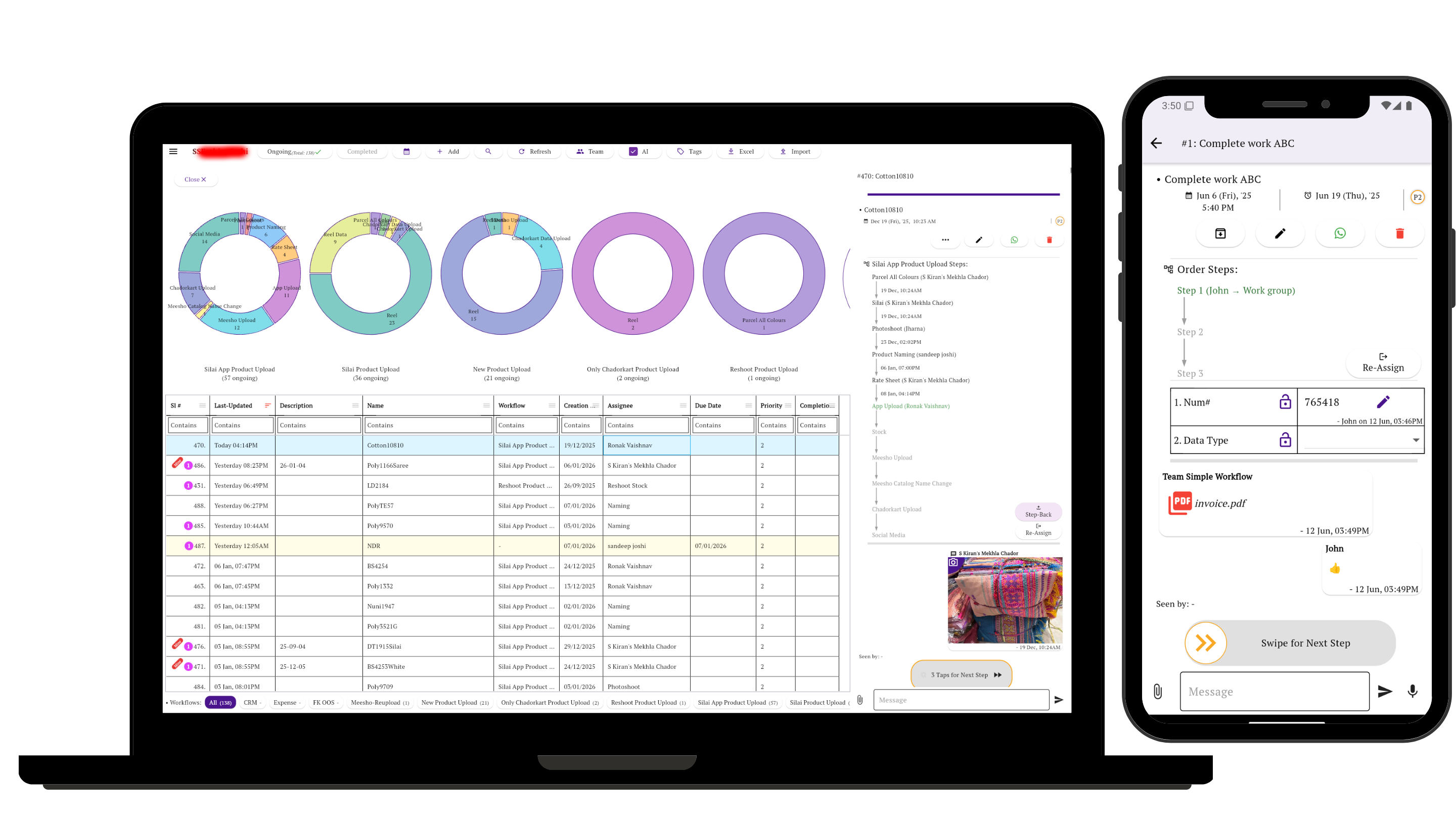
The visibility problem
“In production” does not show what is holding the job
The material may be short. A drawing may need approval. Fabrication may be finished but testing has not started. QC may have rejected a part without assigning the correction.
A useful work order shows its current stage, next owner, pending decision and evidence—not only that somebody is working on it.
Recorded workflow patterns
Six ways production work moved in the customer data
These anonymized routes simplify configured workflows and recurring tasks from subscribed accounts. Each “Suggested setup” is our guidance for Simple Workflow, not a claim about the customer’s configuration.
Observed pattern 1
Work order to packed job
Sales order → Raw-material check → Buy shortages → Job card → Production → Packing
Suggested setup: Create one task per work order. Keep the sales order, job card and required date on it, then assign the person responsible for the next stage.
Observed pattern 2
Purchase indent to accepted material
Indent → Approval → Purchase order → Track material → Receipt / GRN → Quantity and quality check
Suggested setup: Attach the indent, approved PO and receipt evidence. Hand ownership to the receiver for the final inspection.
Observed pattern 3
Spare-part request
Parts list → Requisition → Availability → Prepare → Dispatch approval → Sent → Customer receipt
Suggested setup: Track the request and handoffs here; keep stock balances and valuation in the inventory system.
Observed pattern 4
Fabricated or assembled equipment
Drawing or design check → Material → Machining → Welding / fitting → Testing → Paint or finish → Packing
Suggested setup: Keep the current drawing, fabrication photographs and test report with the work order. Require test approval before finishing or packing.
Observed pattern 5
QC, testing and correction
Made or assembled → QC / testing → Verified → Packing or dispatch
Suggested setup: Add a visible correction → reinspection loop when a check fails. Record the defect, photographs, action taken and final approval before closure.
Observed pattern 6
Daily production update
Today’s schedule → End-of-day work report → Supervisor review → Management verification
Suggested setup: Use a recurring task or form for output, blockers and unfinished work, with a named reviewer and next action.
Using Simple Workflow
Keep the production record with the work order
Stages and ownership
Show whether material, machining, assembly, testing, QC or packing is next—and who must act.
Job files
Keep job cards, drawings, photographs, test reports and supporting documents attached to the task.
Checks and approvals
Record QC evidence, comments and approvals before the work moves to its next stage.
Exceptions
Return rejected work to a clear correction stage without losing the reason or previous history.
Handoffs
Transfer responsibility between purchasing, stores, production, testing, QC and packing.
History
Review stage changes and updates when a work order pauses, changes hands or returns for correction.
Learn how workflow steps, owners and approvals keep the next action visible.
Clear product scope
What it does not replace
Simple Workflow coordinates people, stages, evidence and approvals around production. It does not replace:
- Inventory valuation
- MRP
- CAD or CAM
- Machine monitoring
- Accounting software
- An MES or manufacturing ERP
Keep specialist systems for engineering, planning, machines, stock and transactions; use Simple Workflow for the human handoffs between them.
Start with one live work order
Define the stages it already follows, assign the next owner, and keep the evidence required to release it forward.
Related guides
Choose the workflow closest to the work
Questions about manufacturing workflows
What can a production team track in Simple Workflow?
A team can track work orders through material readiness, job cards, production, testing, quality checks, packing and completion, with a current stage and owner.
Can drawings, photos and test reports stay with the work order?
Yes. Drawings, job cards, photographs, test reports, comments and approval records can stay attached to the task as it moves between people.
Does Simple Workflow replace MRP, MES or manufacturing ERP software?
No. Simple Workflow coordinates people-driven stages, ownership, evidence and approvals. It does not replace inventory valuation, MRP, CAD or CAM, machine monitoring, accounting, an MES or a manufacturing ERP.