
For marketing, design and creative teams
Workflow software for marketing, design and creative agencies
Know which version is current, who needs to review it and whether the client has approved it.
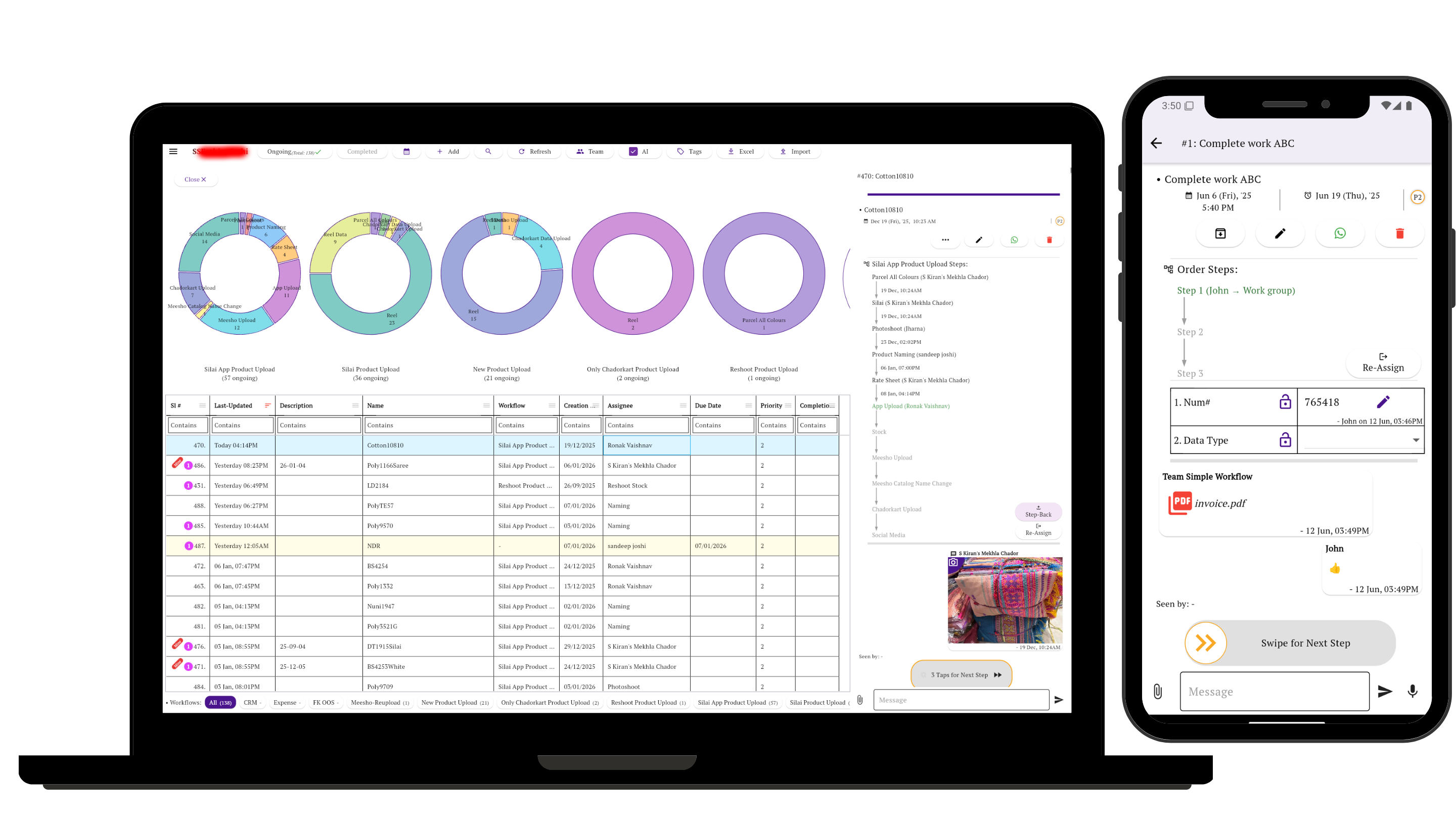
Simple Workflow keeps the brief, files, comments, revisions and publishing status with one piece of work.
The coordination problem
The work exists. Its status is scattered.
The brief is in email, the draft is in a design tool, feedback is in chat and approval happened on a call. The team can create the work; the hard part is knowing what is current and what happens next.
A usable workflow connects each deliverable to its owner, review stage, revision history and final publishing check.
Observed in customer work
Five creative workflows worth making visible
These anonymized patterns simplify prominent workflows and recent tasks in the sampled accounts. Each suggested setup is guidance, not a description of every customer’s configuration.
Observed: social design
Creative through client approval
Design → Internal approval → Client approval → Posting → Live check
Suggested setup: Start with the content brief, attach each draft, and return requested changes to the designer before approval.
Observed: video and photo
Shoot, edit and publish
Shoot → Edit → Internal review → Client approval → Cover image → Posting → Live check
Suggested setup: Keep footage references, edit notes, cover artwork and the approved export on the same task.
Observed: brand design
Direction to final identity
Directions → Moodboards → Logo concepts → Colour palette → Feedback → Final assets
Suggested setup: Record which direction was selected and assign feedback as a revision, so discarded concepts do not become the current version.
Observed: recurring content
Plan a batch, then verify each item
Monthly list or brief → Images, carousel or reel → Review → Publish → Verify
Suggested setup: Create one task per asset with its channel and due date; keep the batch visible without merging every post into one status.
Observed: digital product work
UI design into development
UI design → UI approval → Front-end development → Back-end development → Testing
Suggested setup: Use approval as the handoff point. Keep the approved screen reference and acceptance notes with the task while technical work stays in specialist development tools.
One record for each deliverable
Keep the context attached as the work changes hands
When changes come back: record the feedback, reassign the task, attach the updated version and request final confirmation. The earlier discussion remains with the work instead of disappearing into another chat. See how steps, ownership and approvals support that handoff.
Clear product scope
It coordinates creative work. It does not create it.
Simple Workflow does not replace:
- Design software
- Video editors
- Social-media schedulers
- Advertising platforms
- Source control
- Specialist development tools
Keep those tools for production and publishing; use Simple Workflow for briefs, responsibility, reviews, approvals and handoffs around them.
Start with one deliverable
Map the few stages it already follows, name the next owner and define what counts as approved.
Questions about creative agency workflows
Can Simple Workflow track client approvals and revisions?
Yes. Keep review comments, files and approval updates on the task, then reassign requested changes and attach the updated version before final confirmation.
Can we use different workflows for designs, videos and UI work?
Yes. Each type of work can follow its own stages, such as design approval and posting, video editing and cover creation, or UI approval and testing.
Does Simple Workflow replace our creative and publishing tools?
No. It coordinates briefs, ownership, reviews, approvals and status. Keep using specialist tools to design, edit, schedule, advertise, manage source code and develop software.