
Create & Track Business
Process Steps with AI
Turn recurring operations into clear process steps, then use AI to create, find, and move work with less typing and tapping.
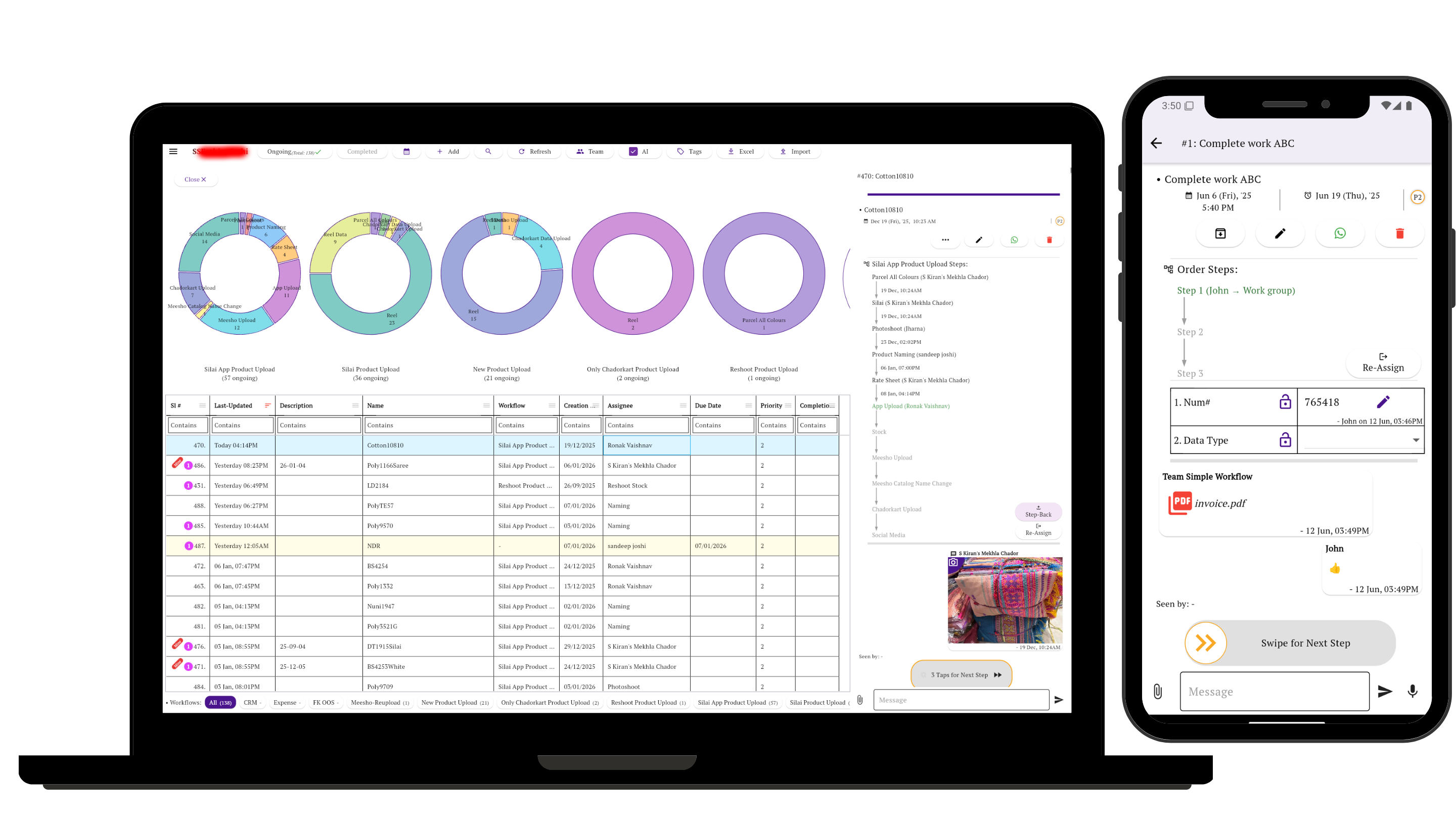
Use steps when work has a process
A task is simple when one person can finish it directly. Process steps are useful when a repeatable business process must move through stages, people, checks, or approvals.
See how simple task management software keeps straightforward work easy to find and update.
Learn more about workflow management with steps, stages, and approvals.
See what small teams should look for in workflow software.
You'll see in under a minute
For day-to-day operations that need more than a task list
Use Simple Workflow when operational work moves through stages: request, assignment, verification, approval, completion, reporting, or any business process your team repeats every day. See what we learned from analyzing how 200 sampled teams manage their work.
Real work being tracked in Simple Workflow
From May 2026 through Oct 2026 to date, 99,653 tasks were created in Simple Workflow.
Tasks created over the last six calendar months
The line adds each month to the preceding months; the current month is shown month-to-date.
| Month | Created that month | Running six-month total |
|---|---|---|
| May 2026 | 17,256 | 17,256 |
| Jun 2026 | 17,859 | 35,115 |
| Jul 2026 | 19,452 | 54,567 |
| Aug 2026 | 17,096 | 71,663 |
| Sep 2026 | 15,192 | 86,855 |
| Oct 2026 MTD | 12,798 | 99,653 |
Monthly creation totals include all task records, including tasks later deleted. Updated 26 Oct 2026, 2:07 pm IST.
Track every step from your laptop dashboard
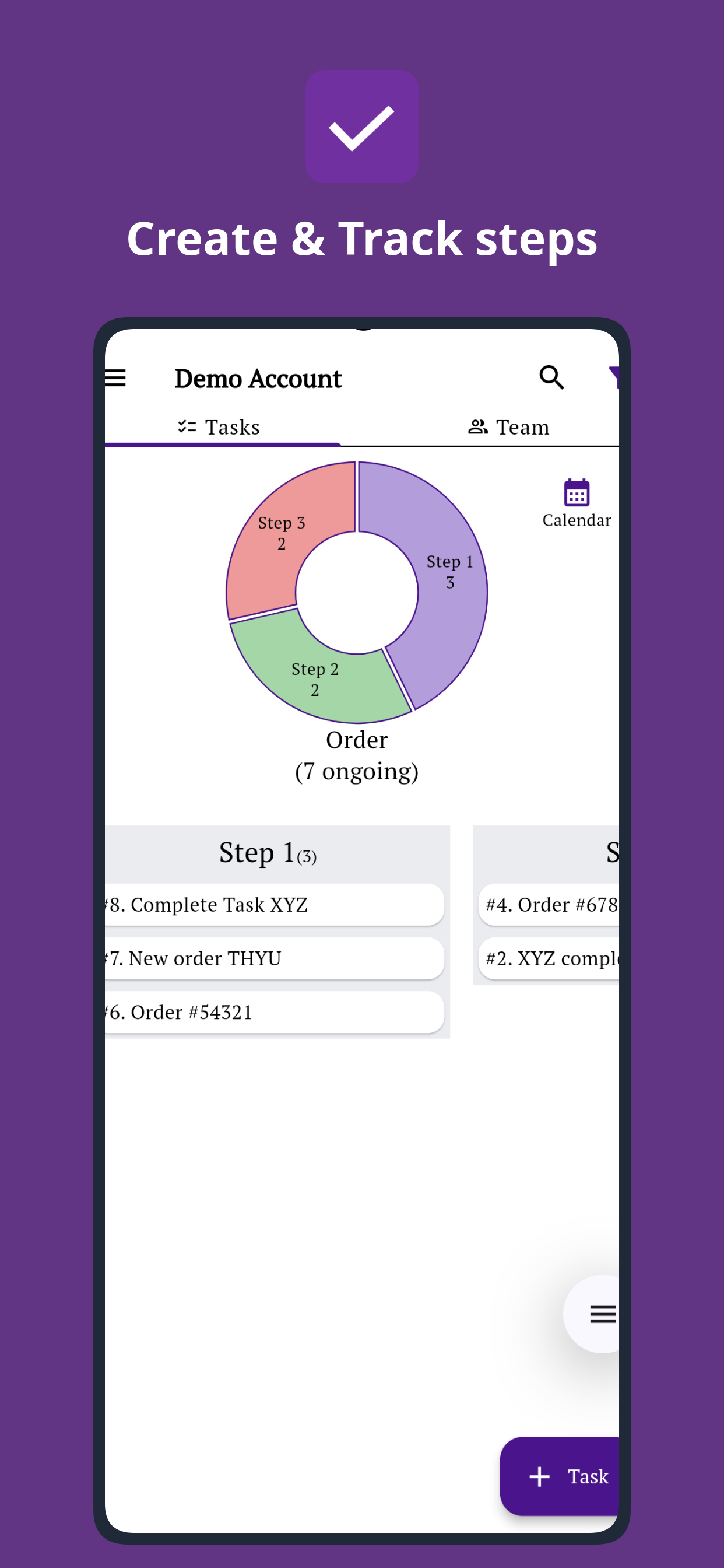
See the workflow stages, task movement, and progress overview clearly on the web app while your team updates work from mobile.
Assign clear ownership
Create tasks, set responsible people, and make sure each step has a clear next action.
Track by stage
Use process tracking to see where work is stuck, what is pending, and how tasks are distributed across each stage.
Verify completion
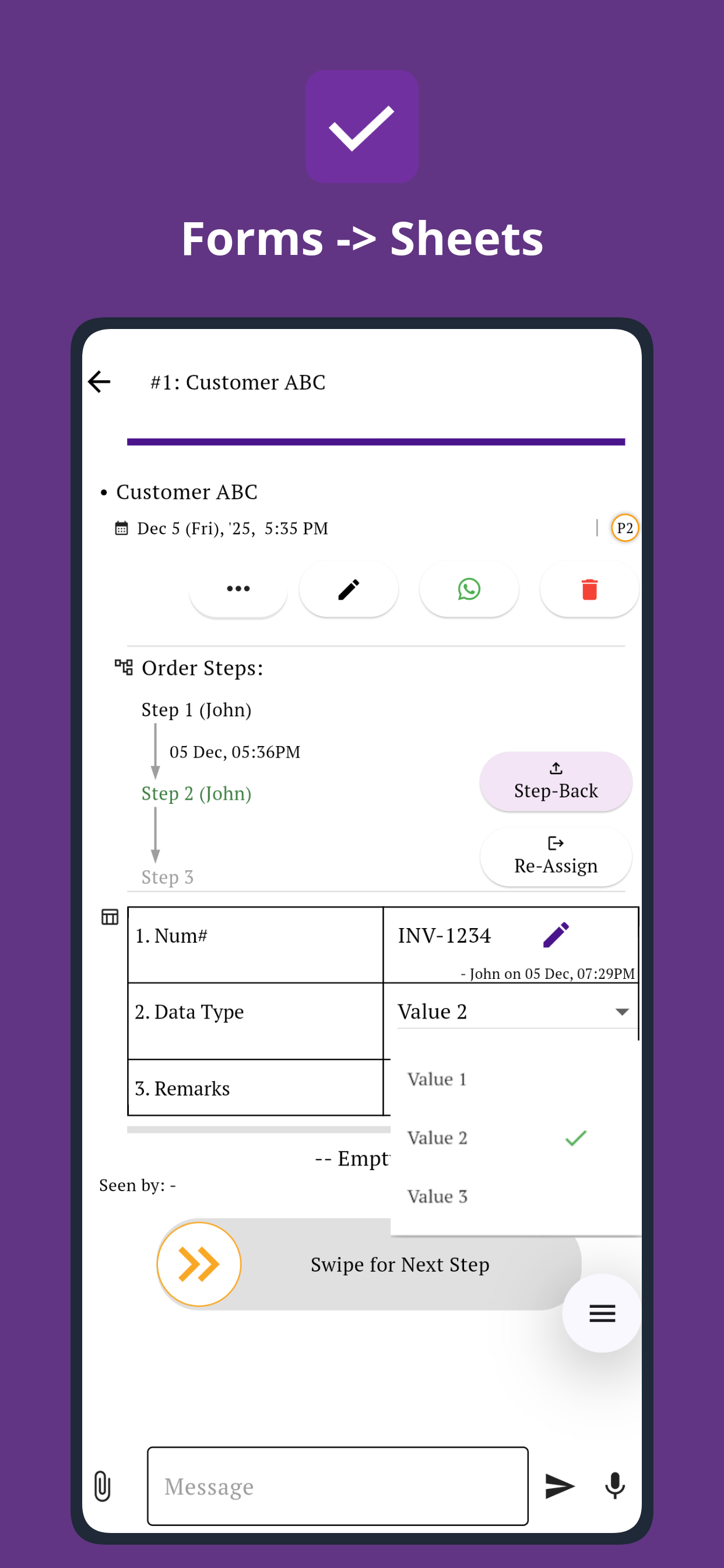
Collect updates, comments, files, photos, and proof from the team before closing work.
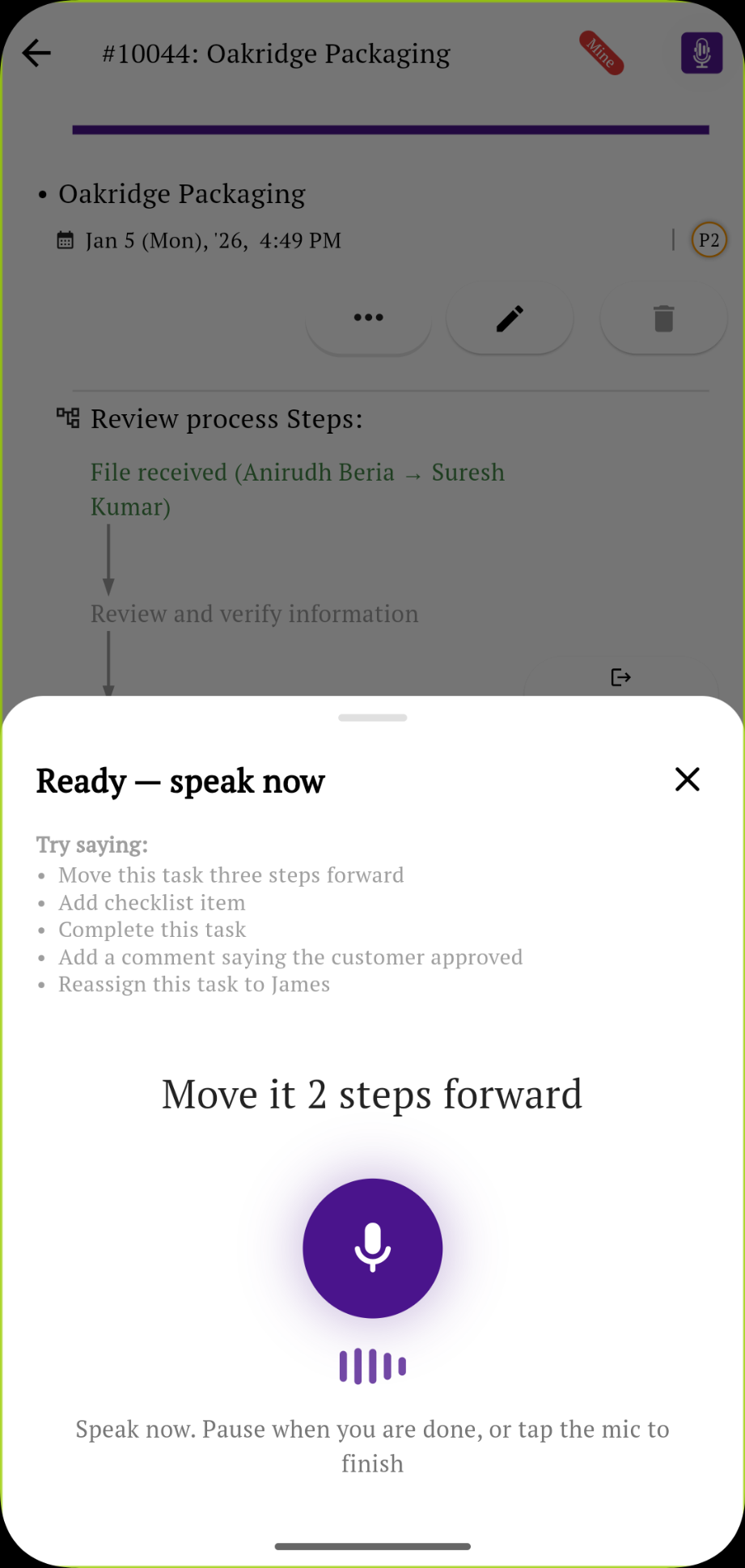
Talk more, type less.
Use AI voice commands to create and assign tasks, find a team member's work, or take the next action without typing every detail or searching for the right screen.
Connect your apps and website
Bring the tools your team already uses into the same operational workflow, including WhatsApp, Gmail, Sheets, Shopify, websites, and AI tools.






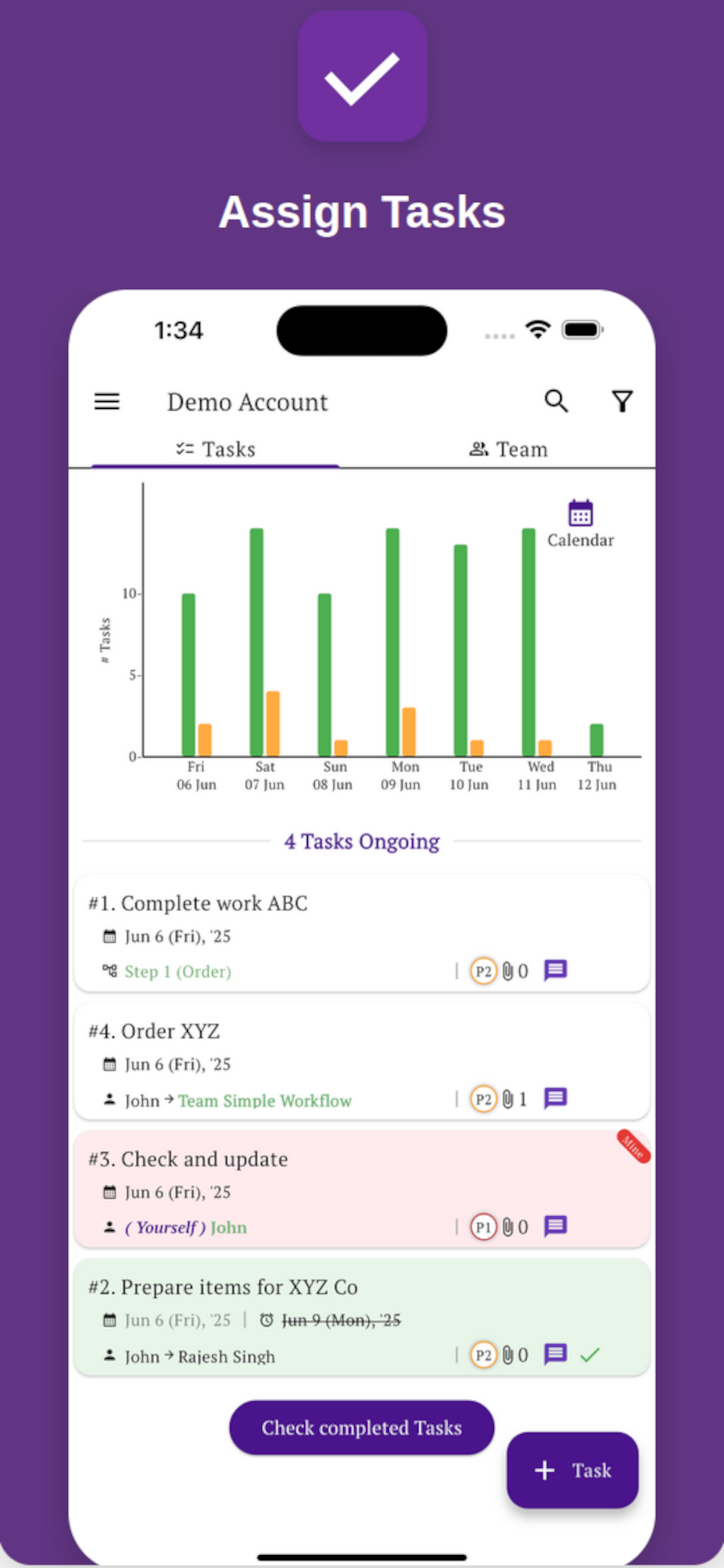
Your team can use it from mobile too
Managers can review day-to-day operations from a laptop. Staff can receive tasks, move process steps, fill forms, and send updates from mobile.
No fluff. Just the workflow, steps, task ownership, team updates, and reports you need to manage operations. Our technical team can also help you set up your first process.
